
PC turns on for a second, then shuts off: a power supply case
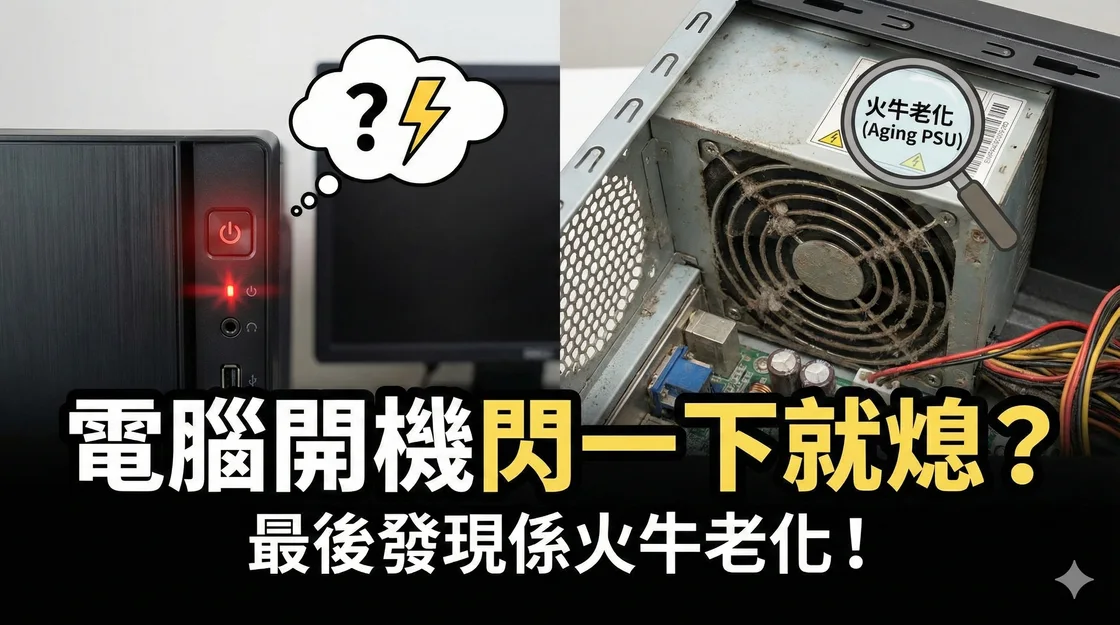
This PC briefly lit up when the power button was pressed, the fans stopped almost immediately and no picture appeared. It had also restarted unexpectedly in the months before the fault.
What the customer saw
The fans spun briefly and the motherboard lights were inconsistent. Sometimes the PC tried to start again. There was no usual startup beep or display. The customer had occasionally noticed a hot smell.
How the technician narrowed it down
The technician inspected the power indicators and tested the desktop with less hardware connected. They disconnected storage and graphics and left one RAM module. The same shutdown persisted, so the next test focused on power delivery.
What changed with a test power supply
With a compatible 550 W test PSU, the fans stayed on, the normal startup beep returned and the PC reached Windows. The original unit was a five-year-old 450 W PSU. Stable operation with the test unit pointed to a problem with the original supply. The technician also checked the graphics card and motherboard.
What to do if your PC behaves the same way
A brief power-on can also come from a short, a loose connector or a motherboard fault. Stop using the PC if it smells burnt or shows damage. Never open the PSU enclosure or reuse modular cables unless the manufacturer lists them as compatible. Choose a replacement by the hardware requirements, connectors and dimensions. The 550 W unit was used for this particular test.
Record any recent hardware changes, whether the fault also occurs under load, and which lights or fans come on. Those details can help a technician reproduce the problem.