
Why does my PC keep shutting down? 5 things to check
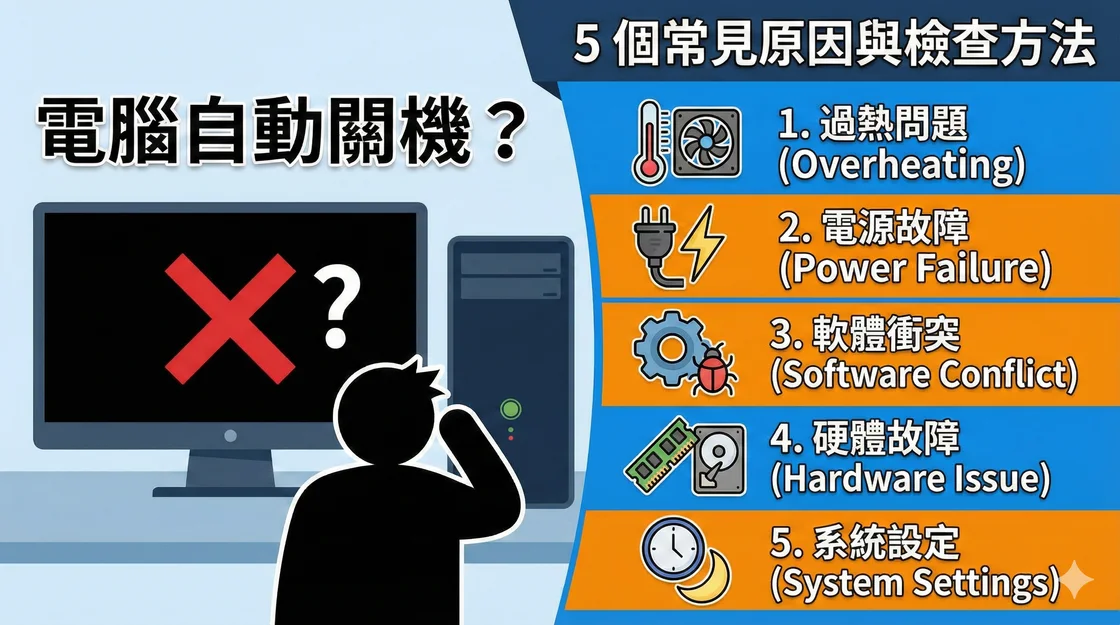
If your PC suddenly goes black, note what you were doing, whether it lost power or restarted, and whether a blue screen appeared. One shutdown alone cannot identify the faulty part. Stop using the PC if you notice a burning smell, smoke or a damaged power cable.
1. Check for overheating
If the PC turns off after several minutes of gaming or other heavy use, check whether its fans are running, vents are clear and temperatures climb just before it shuts down. Check your CPU and GPU model specifications for temperature limits. With the PC off, check for dust or blocked airflow. If temperatures remain high after clearing the vents, have the fan, cooler or thermal interface checked.
2. Check the power supply and connections
An instant power cut under load can point to the outlet, power cable, internal connections or the power supply unit (PSU). Check the external cable and outlet first. If the problem started after a graphics card upgrade, check the PSU rating and connectors against the hardware requirements. A technician can test with a known-good compatible unit. Never open the PSU enclosure or mix modular cables between PSU models.
3. Test the memory
Frequent blue screens and crashes can also come from unstable RAM settings or a memory problem. Start with Windows Memory Diagnostic, and consider restoring default memory settings if XMP or EXPO was recently enabled. If errors persist, test modules one at a time following the motherboard manual, or have a technician do it. A failed test may involve the module, slot or configuration.
4. Check Windows errors and recent changes
Open Event Viewer → Windows Logs → System and look around the time of the shutdown. Kernel-Power Event ID 41 records that Windows restarted without a clean shutdown. Check nearby errors or a recorded stop code to narrow down the cause. If the problem began after a driver or software update, check the device maker’s support page for a suitable update or rollback.
5. Run a security scan if there are other symptoms
Unexpected startup apps, unknown downloads or high CPU usage when idle are reasons to run a full scan with Windows Security or your existing trusted security tool. If the PC still cuts out under load, check cooling and power as well.
What to record before asking for help
Write down the time, program running, any stop code, whether fans and lights went out, and whether the PC could restart immediately. Back up important files while the machine is stable.
Reference: Microsoft’s guide to Event ID 41.